Tuka Video — native Mac screen recorder with AI
Tuka Video is a native macOS app that records your screen, iPhone, Android and webcam and delivers a finished video in minutes, with captions, auto zoom, silence removal and AI cold opens. Launched in September 2026.
Launched: record, edit and publish in minutes
Tuka Video launched in September 2026 and is available at tuka.video. It is a fully native macOS app for anyone who needs to show a product, code or an app on video without spending the afternoon in a pro editor: you record, Tuka builds the cut, and you export in 4K for YouTube, Reels, TikTok or Shorts.
It runs on Apple Silicon Macs with macOS 14 Sonoma or later, with automatic in-app updates.
Complete capture, one tool
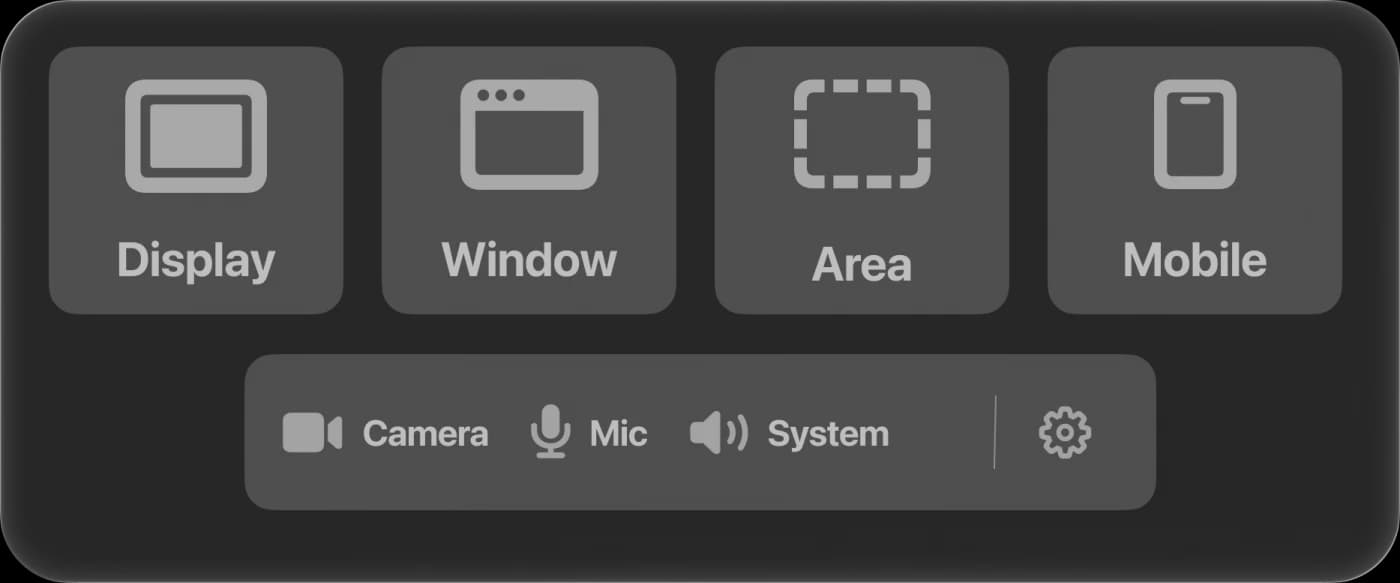
- Screen, window or area, with system audio and microphone on separate tracks.
- iPhone and iPad over USB, iOS Simulator and Android, with automatic device cropping and device frames.
- Webcam as overlay, side by side or full screen.
- Keystroke capture for code tutorials and shortcuts, rendered as keycaps.
- Takes / Before and after (beta): two or three captures side by side.
Editing that happens on its own
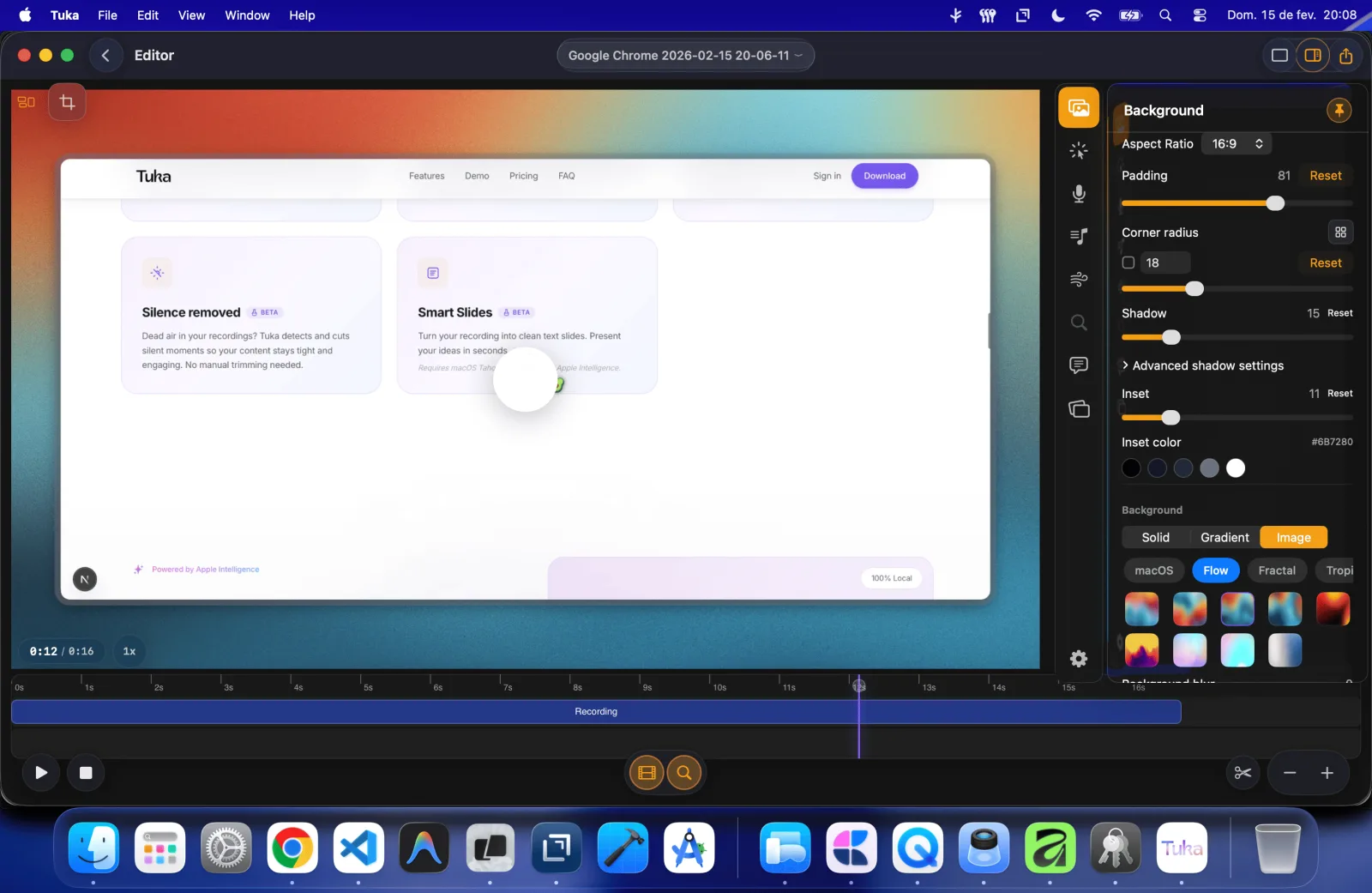
As soon as recording stops, the editor opens with the video ready. No heavy timeline:
- Auto zoom that follows the cursor, with spring physics, motion blur and a smoothed cursor.
- Captions as you speak and silence removal to keep the pace tight.
- Smart Slides: parts of your talk become clean slides.
- Code Mode: snippets with syntax highlighting and a typing effect.
- Spark: AI finds the strongest moment and uses it as a cold open.
- Secret Masking (beta): detects keys and tokens on screen and blurs them automatically.
- 9:16 Shorts mode, backgrounds, shadows and corners, and export in 4K at 60 fps, MP4, GIF or an interactive web format.
Built for the age of AI agents
Tuka talks to AI agents. It ships an MCP server that connects in one click to Claude Code, Claude Desktop and Codex. The agent can compose scenes, render demos, analyze recordings and export results, without the video being sent to it.
- Interactive artifacts: a self-contained HTML with player, chapters, clickable steps, captions and search, that runs inside Claude artifacts or Notion pages.
- Evidence bundles: video, transcript, WebVTT captions, a pull request summary and a hashed manifest to prove a change works.
- Automated demos: a headless mode that renders a feature demo from CI and can post it to Slack.
More at tuka.video/tutorials/ai-agents.
Project origins
Tuka started from a simple frustration: recording a product demo, making two cuts and exporting to Instagram should not take a whole afternoon. I publish technical content often, and each one-minute video took almost an hour between recording, captions, zoom and export.
So I combined more than ten years of native development with context engineering on AI models and built the tool I wanted to use. It started as a personal experiment; today it is a launched product with subscriptions and continuous updates.
Native engineering and privacy
Tuka is written in Swift 6 and SwiftUI, with ScreenCaptureKit, AVFoundation and Metal, making real use of Apple Silicon. Editing is non-destructive and only materializes the video on export, which is why the editor opens instantly.
Everyday AI features (captions, silence, Smart Slides and Spark) run locally by default with Apple Intelligence and Core ML. Optional cloud features are clearly labeled.
I built Tuka end to end: product, design, engineering, website, billing and launch. For partnerships or team use, reach me on the contact page.